
Quick Embedder, Custom CSS & Cloud API
Select Quick Embedder from the Settings of PDF Poster. You can change the quick pdf embedder settings from here.
First of all, embed any PDF without creating a post. To do that enter [pdf_embed url=’your_file_url’] shortcode and replace your_file_url with your PDF file URL.
Also, for the settings of the quick embedder, set width, height, enable/disable Allow Print, Default Browser, Protect Content, Alert Message, Toggle Menu, show/hide File Name, Download Button, View Fullscreen Button.
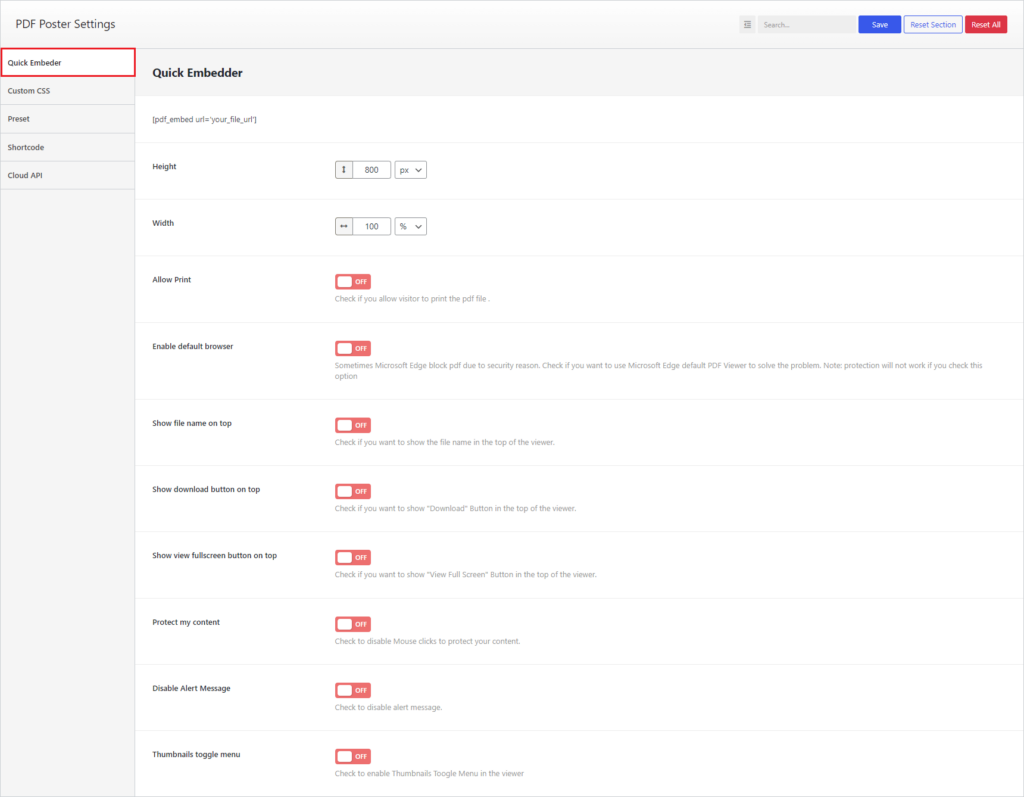
PDF Poster- Quick Embedder Settings
Custom CSS
Select Custom CSS from Settings. Here you can write Custom CSS.
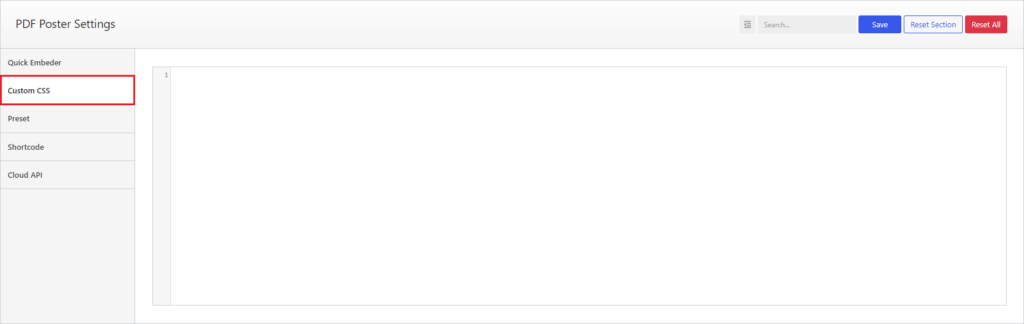
PDF Poster- Custom CSS
Cloud API
Insert Dropbox, Google, and Adobe keys in Settings > Cloud API.
Get the keys from here.
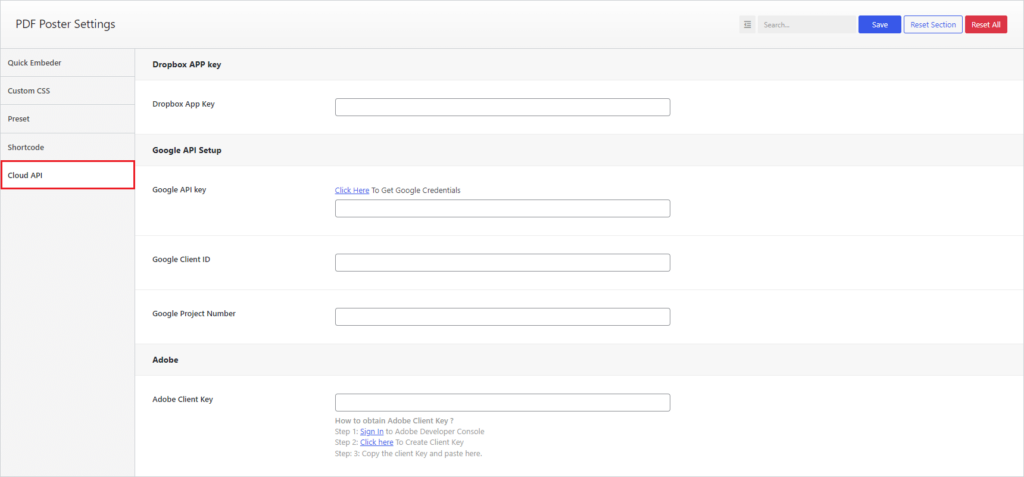
PDF Poster- Cloud API Settings