
Preset, Color, Custom Style, and Player Translation
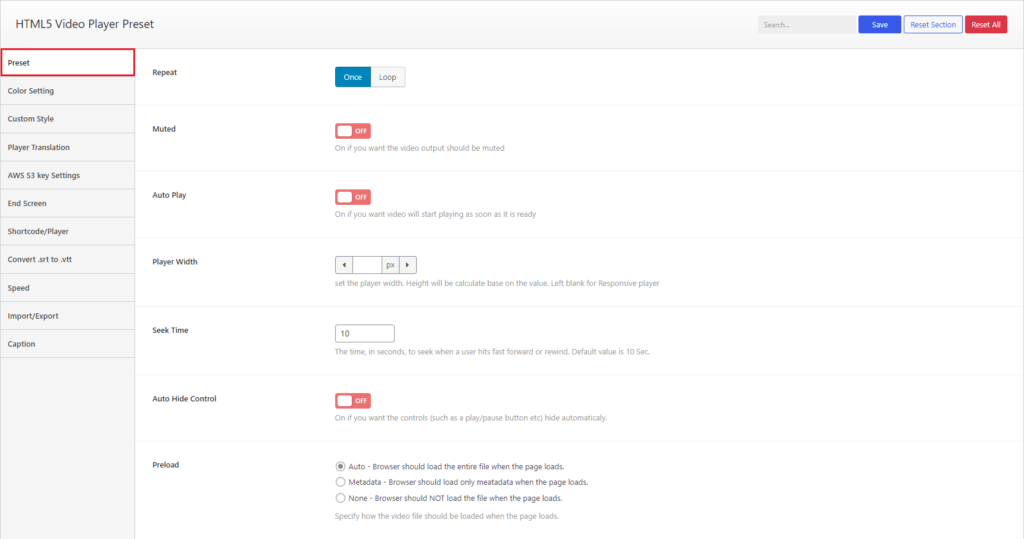
Select the Preset from Settings HTML5 of HTML5 Video Player, you can change the preset settings of the player.
Options
Change preset options like Repeat, Muted, Auto Play, Player Width, Seek Time, Auto Hide Control, and Preload
Elements
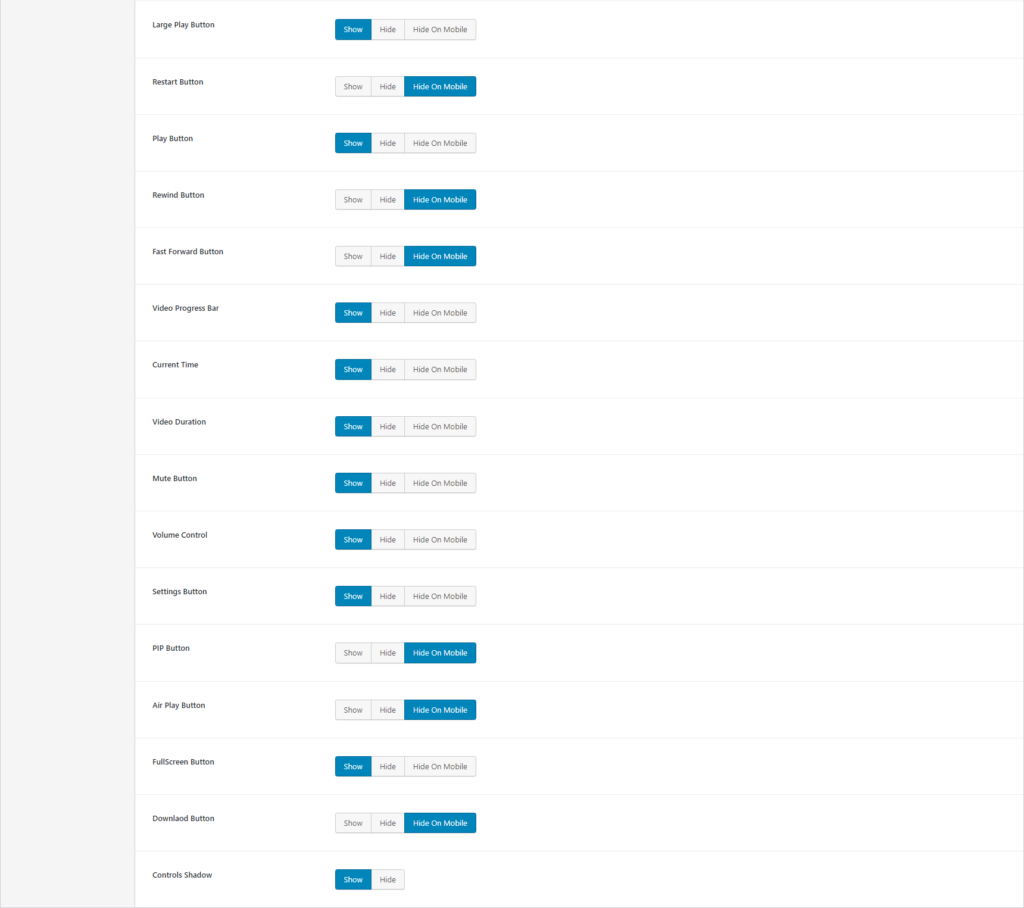
You can also set the visibility of the elements for the player, Below the preload, you can set visibility for Large Play Button, Restart Button, Play Button, Rewind Button, Fast Forward Button, Video Progress Bar, Current Time, Video Duration, Mute Button, Volume Control, Settings Button, PIP Button, Air Play Button, FullScreen Button, Download Button, and Controls Shadow
Color
Go to Color from Settings, to set Brand Color and Player Secondary Color(Hover Color).
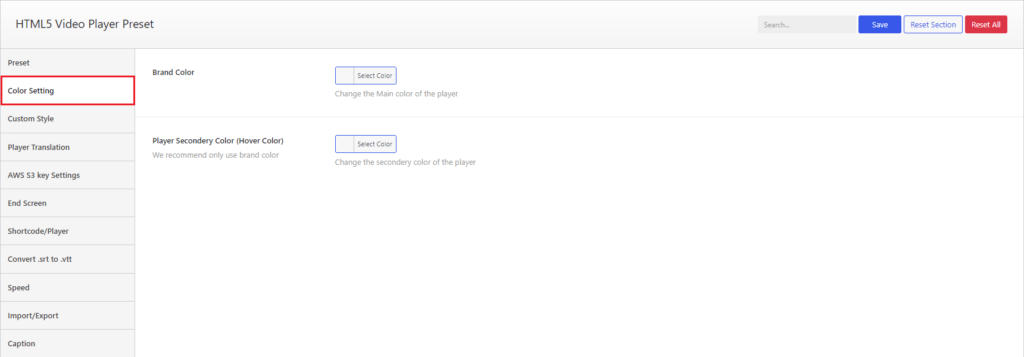
HTML5 Video Player- Color Settings
Custom Style
Select Custom Style from Settings. Here you can write Custom Style.
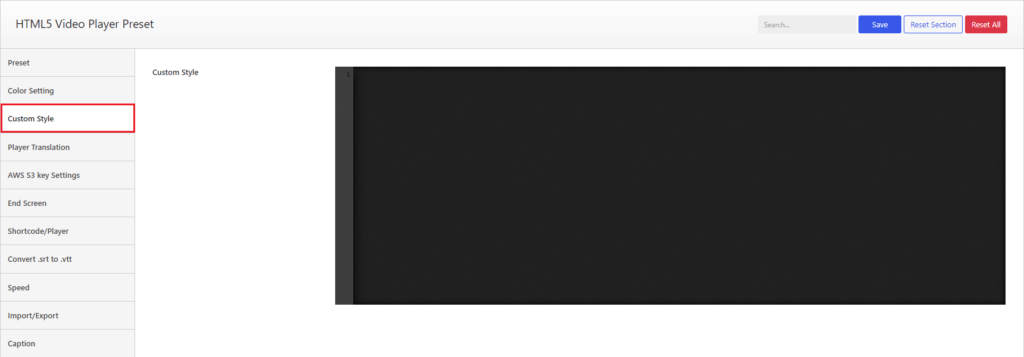
HTML5 Video Player- Custom Style Settings
Player Translation
Go to Player Translation from Settings, you will see the translation settings to set the labels in your preferred languages or in your preferred text.
You can change Restart, Rewind {seektime}s, Play, Pause, forward {seektime}s, Seek, {currentTime} of {duration}, Played, Buffered, Current time, Duration, Volume, Mute, Unmute, Enable captions, Disable captions, Download, Enter fullscreen, exit fullscreen, Player for {title}, Captions, Settings, PIP, Go back to previous menu, Speed, Normal, Quality, Loop, Start, End, All, Reset, Disabled, and Ad label from here.
Note: Please don’t touch any text between round brackets {}, those are dynamic variables eg, {currentTime}
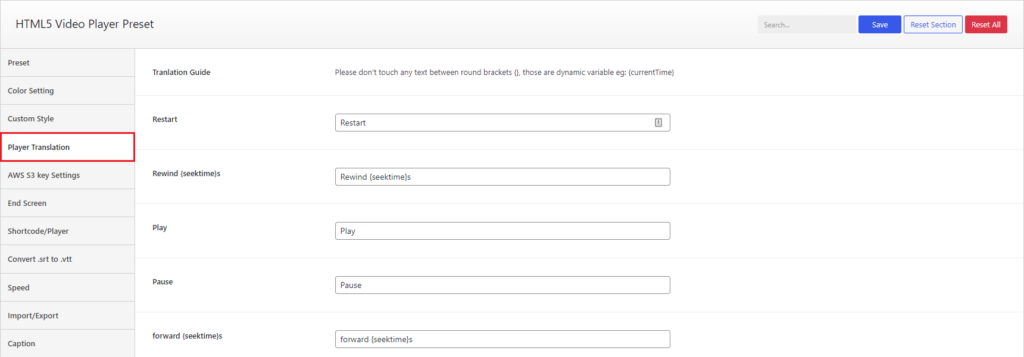
HTML5 Video Player- Player Translation Settings
HTML5 Video Player- Player Translation Settings